Your parts in 3DFrom the drawing to your product page
- No CAD file needed
- Free viewer
- Any website
Your drawing The PDF, scan or photo you already have.
- part.step
A STEP file We build the 3D model in minutes.
Your product page Buyers turn the part in 3D, in our free viewer.
Here is one part all the way through: D-10427, a sample drawing we made for this page.
1 Send us the drawing
Upload the part’s drawing: a PDF, a scan or a photo.
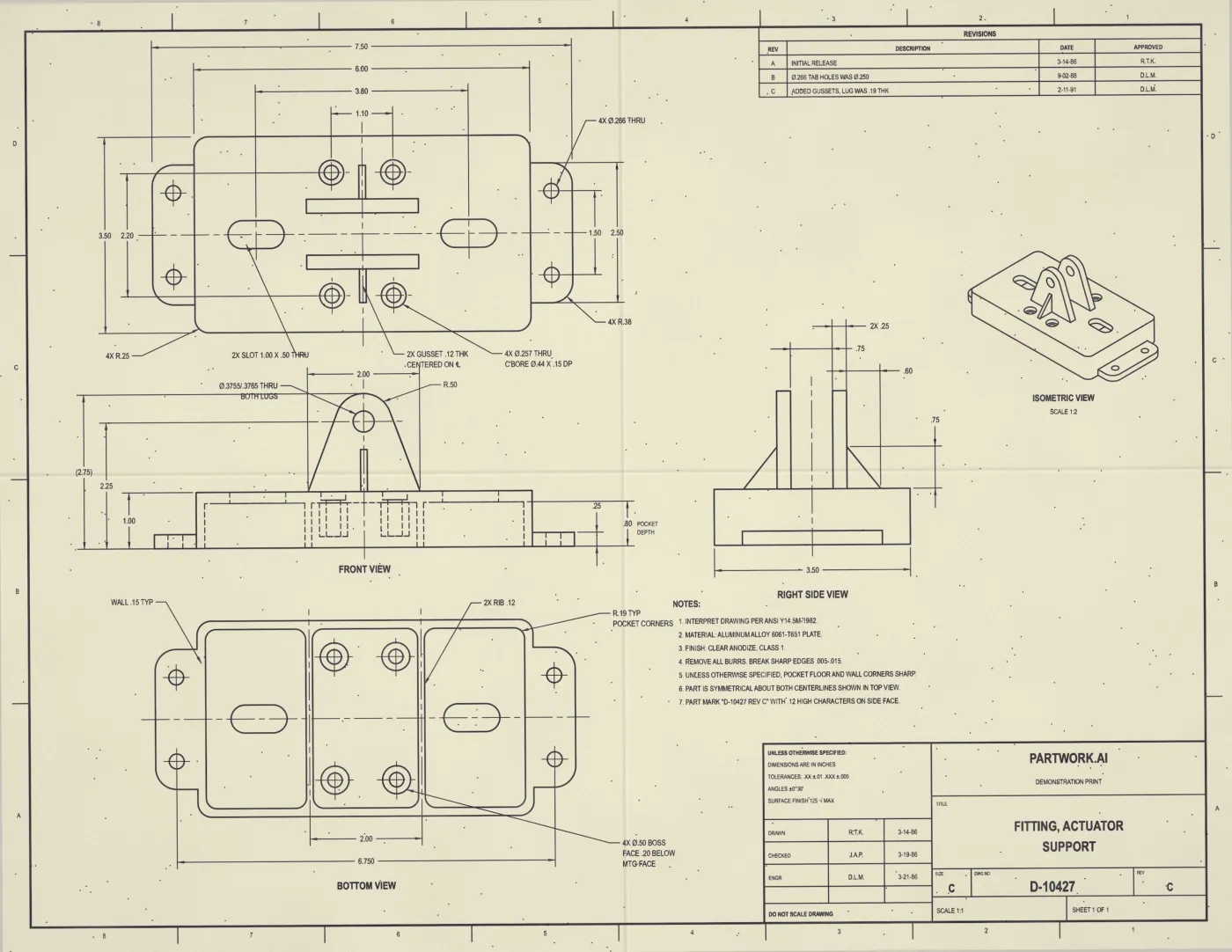
2 Get your 3D model
We build the 3D model from the drawing in minutes, and you download it as a STEP file.
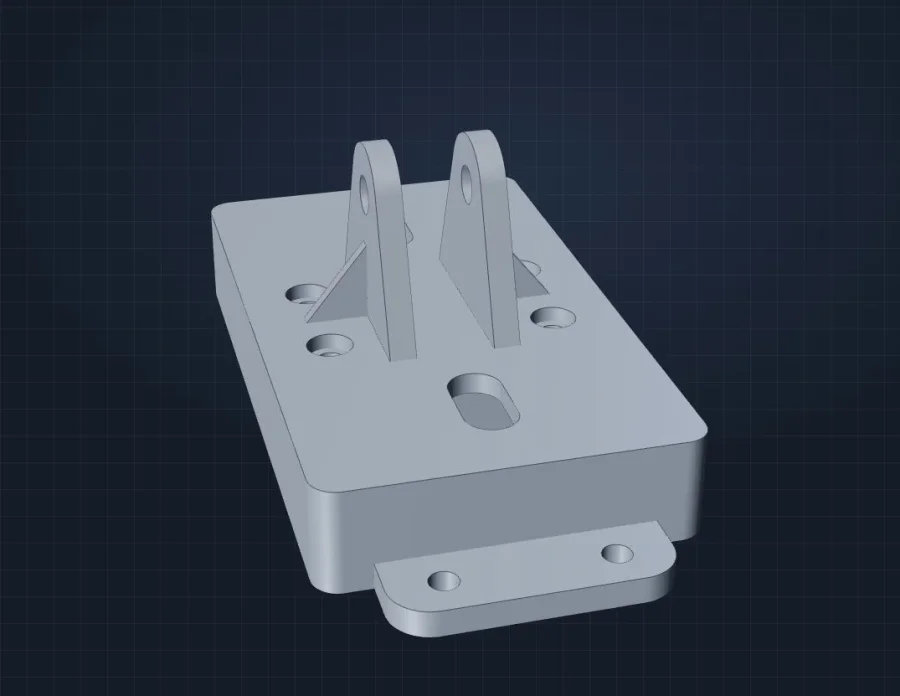
3 Put it on your product page
Upload the STEP file to your website and add our free 3D viewer to the product page.
Fitting, actuator support
Try it: drag the part to turn it, scroll to zoom.
Questions
Do I need a CAD file?
No. The part’s drawing is enough. If you already have STEP files, skip to step 3.
Does the 3D viewer cost anything?
No. The viewer is free on any website, as long as its small “Powered by” link stays visible.
Will it work on my website?
Yes, on any site that lets you add HTML. WordPress sites can use our free plugin, with no code.
Can you do my whole catalog?
Yes. Send us the drawings, and ask about volume pricing.